
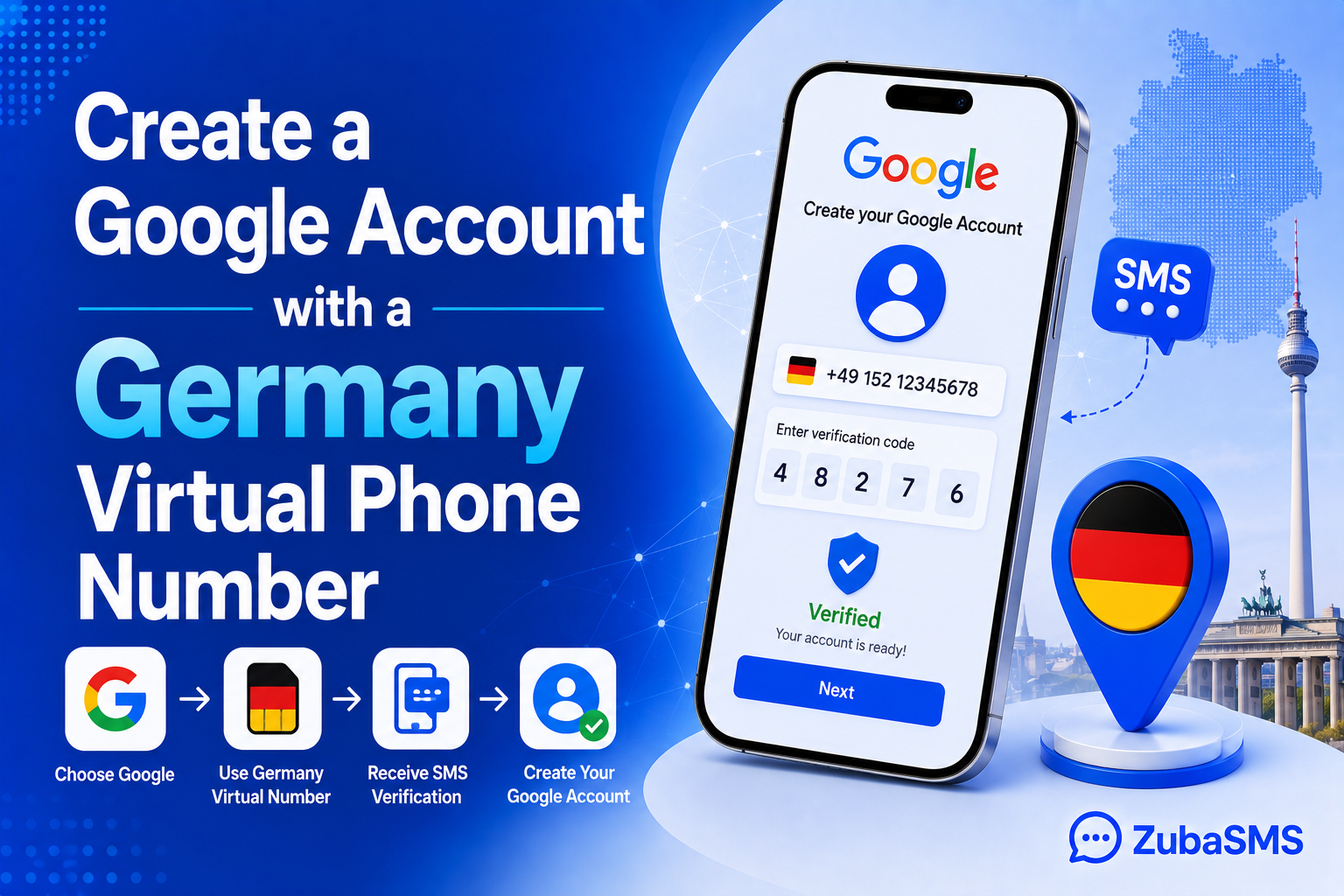
Create a Google Account with a Germany Virtual Phone Number
Create a Google Account with a Germany Virtual Phone Number
Creating a Google Account is usually a straightforward process, but Google may sometimes ask for a phone number during account creation or verification. For users who need access to a German number, a Germany virtual number for Google can be an option to consider, provided the number is accepted by Google's verification system.
A virtual phone number allows you to access certain phone services online without relying on a traditional physical SIM card. Depending on the provider, a German virtual number may support incoming SMS, making it potentially useful for receiving verification codes from supported platforms.
However, there is an important distinction between having a virtual number and having a number that a specific platform accepts. Google controls its own verification process, and not every virtual or temporary number will necessarily work.
In this guide, we will explain how Google phone verification works, how to use a Germany virtual number for Google when creating an account, what to check before choosing a number, and how to troubleshoot common verification problems.
Table of Contents
- Why Does Google Ask for a Phone Number?
- What Is a Germany Virtual Number for Google?
- What You Need Before Creating the Account
- How to Create a Google Account with a Germany Virtual Number
- How Google SMS Verification Works
- How to Choose the Right Germany Virtual Number
- Temporary vs. Rental Germany Virtual Numbers
- Important Limitations to Understand
- Practical Tips for a Smoother Verification Process
- Common Mistakes to Avoid
- Common Verification Problems and Solutions
- Using ZubaSMS for a Germany Virtual Number
- Funding Options
- Frequently Asked Questions
- Need a Germany Virtual Number?
- Conclusion
Why Does Google Ask for a Phone Number?
Google may request a phone number as part of its account creation or security systems. Phone verification can help Google confirm that an account is being created by a real user and can also be used for certain security and recovery features.
Not every new Google Account will necessarily require phone verification in exactly the same way. Google's requirements can vary depending on factors such as account activity, security signals, location, and other internal checks.
If Google requests a phone number, you may need to provide a number that can receive the verification SMS.
Important: Google decides whether a phone number is accepted. A virtual number may technically receive SMS but still be rejected by Google's verification system.
What Is a Germany Virtual Number for Google?
A Germany virtual number for Google is a German phone number provided through an online virtual number service rather than a traditional physical SIM card.
Depending on the provider, the number may be able to receive incoming SMS through an online dashboard. If Google accepts the number and sends a verification code, the code may appear in the provider's SMS inbox.
The general process is simple:
- Select a Germany virtual number with SMS support.
- Enter the number during the Google Account signup or verification process.
- Request the verification code if Google asks for one.
- Check the virtual number provider's SMS inbox.
- Enter the valid verification code into Google's verification screen.
However, this process only works when the number is compatible with Google's verification system. Google may restrict certain virtual, temporary, or previously used numbers.
What You Need Before Creating the Account
Before attempting to create a Google Account using a Germany virtual number for Google, it is helpful to prepare everything you need.
A Reliable Internet Connection
You need a stable internet connection to access Google's account creation page and complete the verification process.
An Email Address or New Account Details
Depending on the signup process, you will need to provide the information Google requests when creating the account.
A Germany Virtual Number with SMS Support
If Google requires phone verification, you need a number that can receive incoming SMS.
Access to the Virtual Number
Make sure you can access the provider's SMS inbox before requesting a verification code.
A Number That Google Accepts
This is the most important consideration. Not every virtual number is guaranteed to work with Google.
How to Create a Google Account with a Germany Virtual Number
If Google asks you to verify your phone number, you can follow these general steps.
Step 1: Start the Google Account Creation Process
Go to Google's official account creation page and begin setting up your new account.
Follow the instructions displayed on the screen and provide the requested account information.
Step 2: Enter Your Basic Information
Google may ask for information such as your name, date of birth, and other account details.
Provide accurate information and follow Google's account policies.
Step 3: Continue Until Phone Verification Appears
If Google requests a phone number, continue to the verification stage.
The exact screen and requirements may vary depending on Google's current signup process.
Step 4: Select the Germany Number
If you already have a Germany virtual number that supports incoming SMS, enter the number in the format requested by Google.
Make sure the country code and number are entered correctly.
Step 5: Request the Verification Code
Choose the option to receive the verification code by SMS if that option is available.
Google will then attempt to send a verification message to the number.
Step 6: Check Your Virtual Number Inbox
Open your virtual number provider's dashboard and look for the incoming SMS.
If the message arrives, locate the verification code.
Step 7: Enter the Code
Return to the Google verification screen and enter the valid code you received.
If the number is accepted and the code is correct, Google may allow you to continue with account creation.
Step 8: Complete the Account Setup
Follow Google's remaining instructions to finish setting up your account.
Once the account is created, review Google's available security and recovery options so you can maintain access to the account.
How Google SMS Verification Works
When Google requests phone verification, the process generally involves sending a one-time verification code to the phone number you provide.
The number must be capable of receiving the message, and Google must accept the number for verification.
This creates two separate requirements:
- SMS capability: The number must be able to receive the verification message.
- Google compatibility: Google's verification system must accept the number.
Meeting one requirement does not guarantee that you will meet the other.
For example, a Germany virtual number may successfully receive SMS from some services but still be rejected by Google. This is why it is important to choose a provider that clearly explains the capabilities of its numbers.
How to Choose the Right Germany Virtual Number
When looking for a Germany virtual number for Google, do not choose a number based on price alone.
Check SMS Support
The number should support incoming SMS if you need it for verification.
Check Number Availability
German virtual numbers may not always be available. Check the provider's current inventory before planning your verification process.
Consider Number Duration
Think about whether you need the number temporarily or for a longer period.
If the number is only needed during account creation, temporary access may be sufficient. If you expect to use the number for future security or recovery purposes, consider whether you can maintain access to it.
Review Provider Policies
Understand the provider's terms before purchasing or renting a number.
Check how long you have access, whether the number can be renewed, and what happens when the rental period ends.
Consider Privacy
Choose a provider that explains how your account information and communications are handled.
Temporary vs. Rental Germany Virtual Numbers
Both temporary and rental numbers can provide access to a German number, but they serve different purposes.
| Number Type | Best For | Advantages | Considerations |
|---|---|---|---|
| Temporary | Short-term verification needs | Flexible for limited use | Access may expire quickly |
| Rental | Extended projects or continued access | Number remains available during rental | Requires payment for the rental period |
| Long-Term | Ongoing communication and account needs | Better continuity | May involve higher ongoing costs |
For a one-time signup, a temporary number may be enough if Google accepts it. For long-term account security, however, you should think carefully about whether you will retain access to the number.
Important Limitations to Understand
Using a Germany virtual number for Google can be convenient, but it is important to understand that virtual numbers are not guaranteed to work with every Google verification request.
Google May Reject Virtual Numbers
Google may restrict certain virtual, temporary, or previously used phone numbers. This decision is controlled by Google's own verification systems.
Even if a number can receive SMS from other platforms, it may not necessarily be accepted by Google.
One Number May Have Usage Limits
Google may limit how many accounts can be verified using the same phone number. If a number has already been used repeatedly for verification, it may not be accepted for another account.
Temporary Numbers Can Expire
If you use a temporary number, you may lose access after the service period ends.
This matters if Google later asks you to verify your identity or secure your account using the same phone number.
SMS Delivery Can Be Delayed
Verification messages may occasionally take time to arrive. Delays can result from network issues, platform traffic, or other technical factors.
Google's Requirements Can Change
Google may update its account creation and verification policies over time. The steps available today may not be identical in the future.
Practical Tips for a Smoother Verification Process
1. Check the Number Before Starting
Make sure your Germany virtual number is active and that you can access its SMS inbox.
2. Enter the Number Correctly
Pay attention to the country code and formatting requested by Google's signup page.
3. Avoid Repeated Verification Requests
If a code does not arrive immediately, avoid repeatedly requesting new codes in rapid succession.
Wait a reasonable amount of time and check that the number is active before trying again.
4. Keep Your Account Information Secure
Use a strong password and enable available security features after creating the account.
5. Think About Future Access
If the account is important, consider whether you will need the phone number again in the future.
A temporary number may not be ideal if you expect to use it for account recovery.
6. Follow Google's Rules
Always use the account in accordance with Google's terms and policies. A virtual number should not be used to bypass platform restrictions or create accounts for abusive purposes.
Common Mistakes to Avoid
Choosing the Cheapest Number Without Checking Features
A low price does not guarantee that the number supports SMS or that Google will accept it.
Always review the number's features before purchasing.
Assuming SMS Reception Means Google Acceptance
This is a common misunderstanding.
A number can receive SMS successfully and still be rejected by Google's verification system. The two systems are separate.
Using a Temporary Number for an Important Account
If you expect to need the number for future recovery or security checks, temporary access may not be suitable.
Requesting Too Many Codes
Repeatedly requesting verification codes may cause delays or trigger additional security checks.
Ignoring Google's Account Policies
Using a virtual number does not remove the need to follow Google's rules. Always use your account for legitimate purposes.
Common Verification Problems and Solutions
Google Says the Phone Number Cannot Be Used
This usually means Google has rejected the number based on its verification rules.
The number may be classified as unsupported, previously used too many times, or otherwise restricted.
In this situation, check whether you have another legitimate number available or review Google's current account verification guidance.
The SMS Code Has Not Arrived
First, check that the number is active and that you are viewing the correct SMS inbox.
If the message still does not appear, wait before requesting another code. You can also check whether the provider is experiencing a temporary delay.
The Code Has Expired
Verification codes are generally time-sensitive. If a code has expired, request a new one and enter the latest valid code.
The Number Has Already Been Used
Google may limit repeated account verification with the same phone number.
If the number has reached a usage limit, it may not be accepted for another verification attempt.
The Number Works Elsewhere but Not with Google
This is possible because each platform has its own security and verification policies.
A number's ability to receive SMS does not guarantee acceptance by every third-party service.
Using ZubaSMS for a Germany Virtual Number
ZubaSMS is a virtual phone number platform that provides numbers from different countries, subject to availability.
If you need a Germany virtual number for Google, you can check ZubaSMS for available German numbers and review the options that support your intended use.
If SMS reception is required, make sure the selected number supports incoming SMS. You should also understand that Google makes the final decision about whether a particular number can be used for verification.
ZubaSMS can be useful for users who prefer to manage virtual numbers online rather than purchase a traditional physical SIM card.
Availability, pricing, and supported services may change, so check the platform's current information before making a purchase.
Funding Options for ZubaSMS
If you use ZubaSMS, available funding methods may depend on your location.
- Nigeria: Bank Transfer
- Ghana: Mobile Money
- Kenya: M-Pesa
- International: USDT
Payment options and availability may change over time. Check the ZubaSMS platform for the latest funding information before adding funds.
Frequently Asked Questions
Can I create a Google Account with a Germany virtual number?
It may be possible if Google requests phone verification and accepts the virtual number you provide. However, Google does not guarantee that every virtual number will be accepted.
What is a Germany virtual number for Google?
It is a German phone number managed through an online virtual number service that may be used for Google's phone verification when the number is supported and accepted by Google.
Can I receive a Google verification code on a Germany virtual number?
If the number supports incoming SMS and Google accepts the number, the verification code may be delivered to the provider's SMS inbox.
Does Google accept all Germany virtual numbers?
No. Google may reject certain virtual, temporary, or previously used numbers. Acceptance depends on Google's own verification systems.
Why is Google rejecting my virtual phone number?
Google may reject a number because it has been used too many times, is not supported by its verification system, or has been identified as a type of number Google does not accept for that verification request.
Can I use a temporary Germany virtual number for Google?
A temporary number may work if Google accepts it, but there is no guarantee. You should also consider that temporary numbers can expire and may not be suitable for long-term account recovery.
Can I use the same Germany virtual number for multiple Google Accounts?
Google may limit the number of accounts that can be verified with the same phone number. The exact limits are controlled by Google and can change.
Is a Germany virtual number the same as a German SIM card?
No. A virtual number is managed through an online service, while a traditional SIM card is issued by a mobile network operator and is connected to a physical or eSIM-based mobile service.
How long should I keep my Germany virtual number?
That depends on your needs. If you only need the number for a one-time verification and Google accepts it, temporary access may be sufficient. If you want to use the number for future account recovery, continued access is more important.
Can ZubaSMS guarantee that a Germany virtual number will work with Google?
No provider can guarantee acceptance by Google's verification system. ZubaSMS can provide available virtual numbers, but Google controls its own verification policies and determines whether a number is accepted.
Need a Germany Virtual Number?
If you need a Germany virtual number for Google, the key is to choose a number that supports the features you need and understand that Google's verification system makes the final decision.
Before getting a number, check SMS support, access duration, pricing, and whether you will need continued access in the future. If the account is important, think carefully before relying on a temporary number for long-term recovery.
Need a Germany virtual number for supported SMS verification or online communication?
ZubaSMS provides virtual phone numbers from different countries, helping users find suitable numbers for supported online services and communication needs.
Visit ZubaSMS to get started.
Conclusion
Creating a Google Account with a Germany virtual number for Google can be possible when the number supports incoming SMS and is accepted by Google's verification system.
The process itself is generally straightforward: create your account, provide the requested information, enter your German virtual number when prompted, receive the verification code, and complete the signup process.
However, the most important thing to remember is that virtual number compatibility is not guaranteed. Google may restrict certain numbers based on its security and verification policies, and a number that works with one platform may not work with another.
If you decide to use a Germany virtual number, choose a provider that clearly explains its services and gives you access to the number's supported features. Pay attention to SMS capability, number duration, pricing, and future access.
For users who need a Germany virtual number for Google, ZubaSMS can be one option to explore when German numbers are available. Just remember that Google's own verification system determines whether a specific number is accepted.
By choosing the right number for your situation and following Google's account policies, you can approach the verification process with a better understanding of what to expect.